ChronosCam gives you granular control over capture intervals, exposure, and export — so your timelapse is as precise as the growth you're documenting. No subscriptions. No compromises.
Android AppFree Version AvailableOffline FirstNo Account Required
What it does
Every detail, captured.
Precision Scheduling
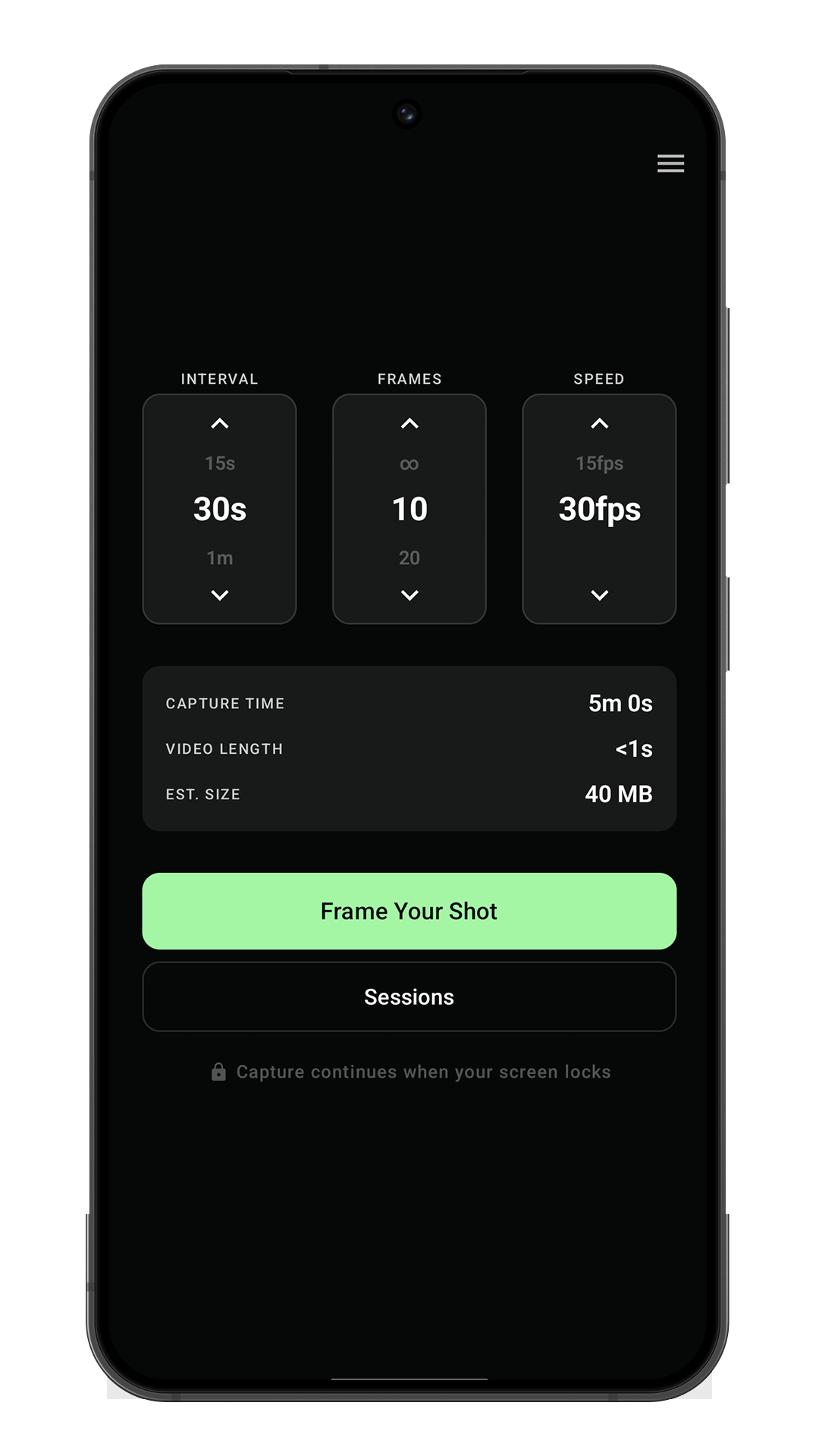
Set capture intervals from one second to several hours. Never miss a critical stage — ChronosCam keeps shooting even when your screen is off.
Smart Exposure
Adaptive exposure compensation keeps your footage sharp and consistent across full day-night cycles — handled automatically by ChronosCam.
Seamless Export
Render video directly on-device. Choose your frame rate, then share or save to your cloud drive straight from the app — no desktop required.
Session History
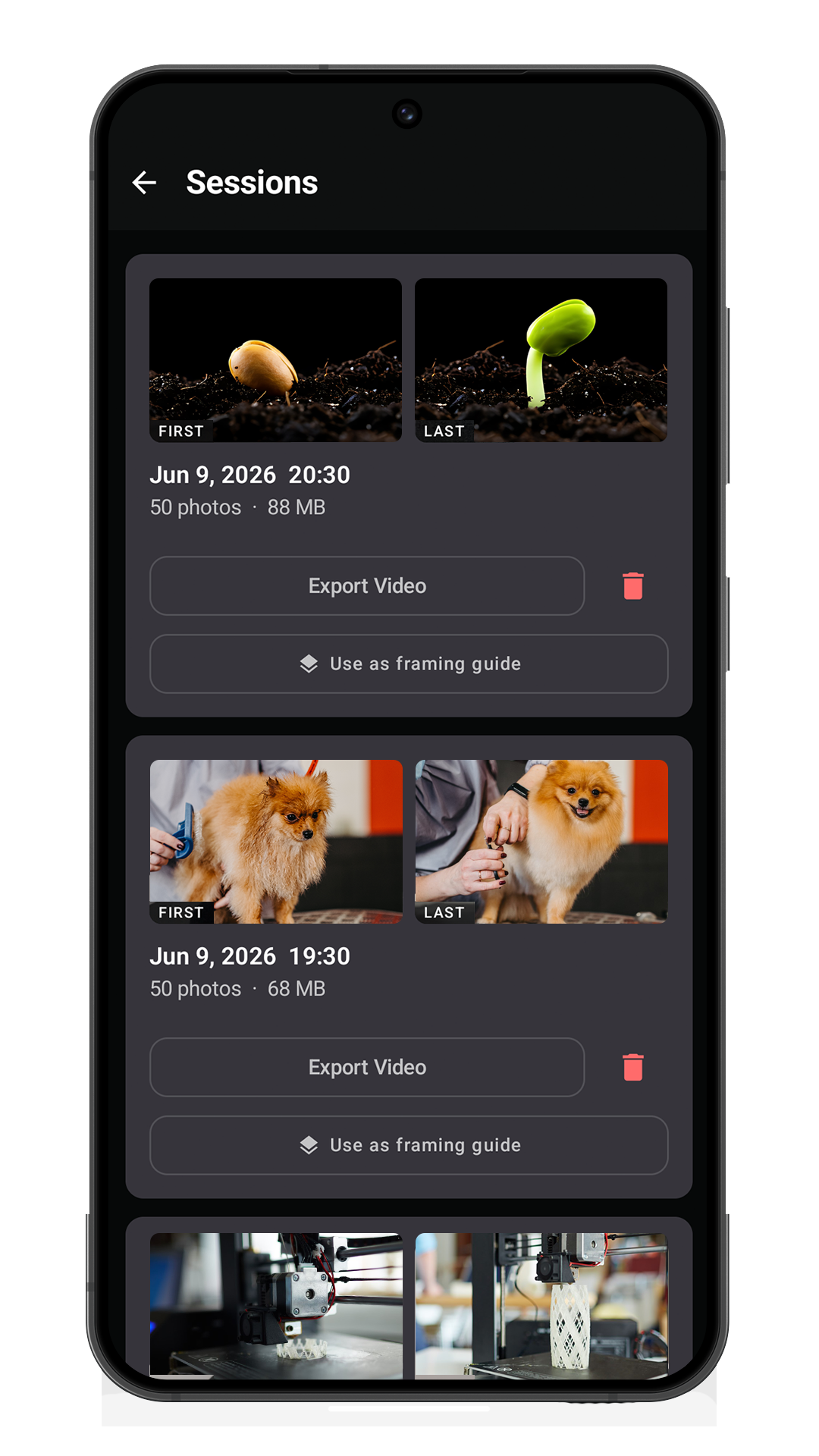
Every session is logged with its date, interval, and frame count. Export individual frames or render a video — your full capture history, always at hand.
Overlay Mode
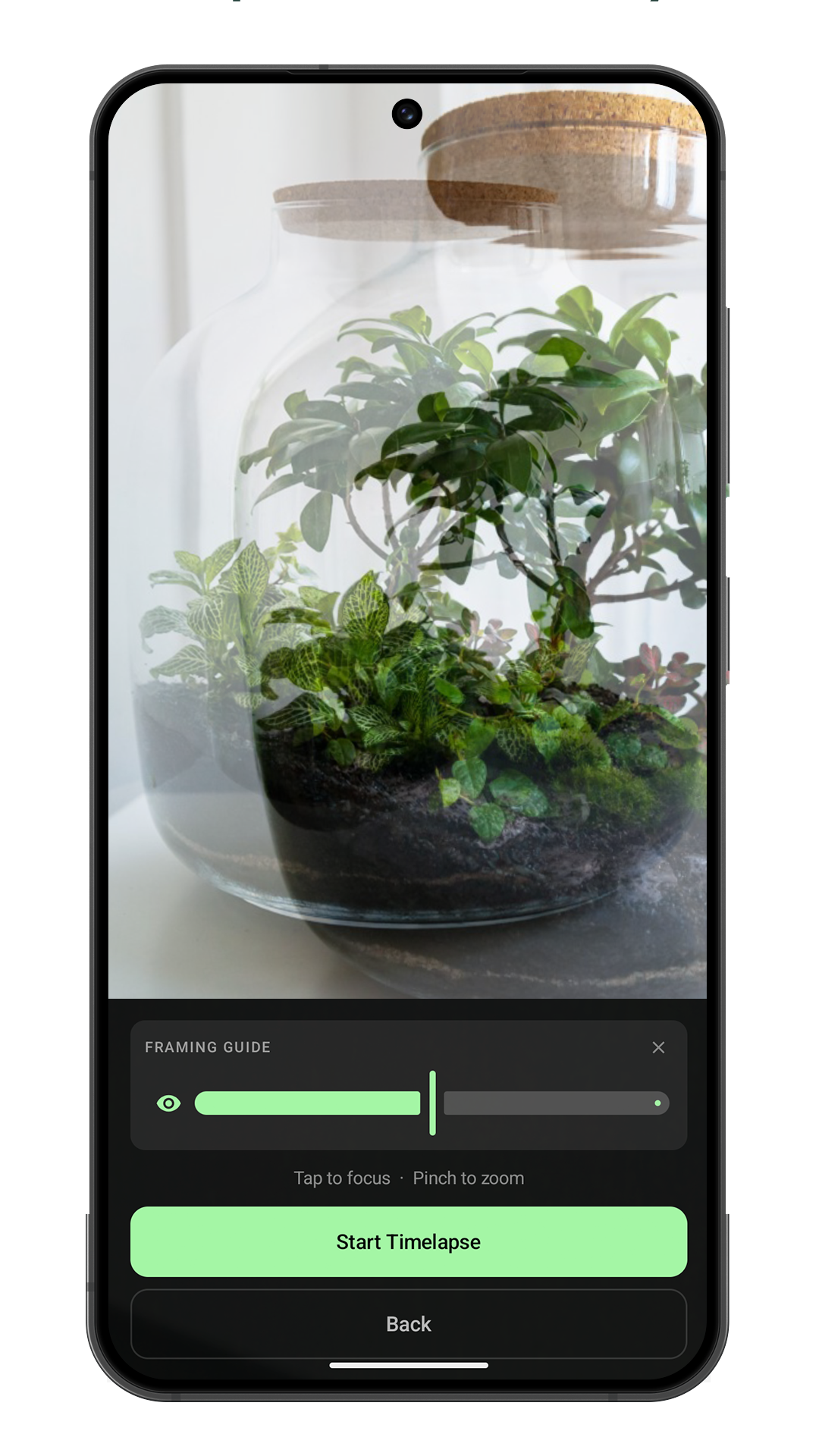
Continue from any previous session with a ghost overlay to reframe your shot. Match your scene exactly and pick up right where you left off.
Offline First
ChronosCam works entirely on-device. No account, no cloud, no subscription. Your data stays yours — stored locally and processed locally.
The App
Built to disappear.
Set it up, start it, lock your screen. ChronosCam runs quietly in the background while your subject grows.
Sessions
Every capture logged with first and last frame, ready to export or continue.
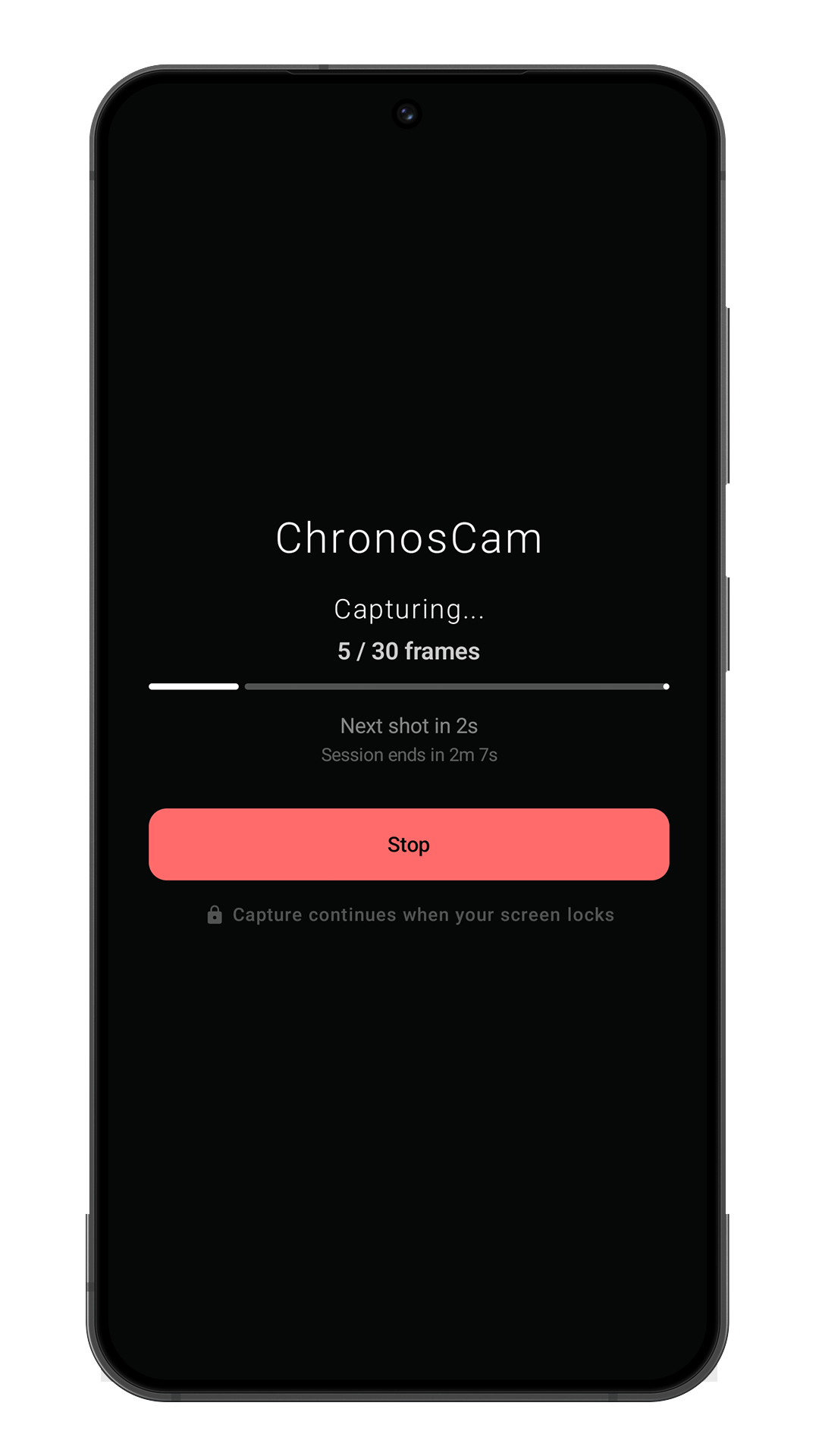
Capturing
Live progress, next shot countdown, and session end time — even from the lock screen.
Framing Guide
Ghost overlay from any previous session. Match your scene exactly before you start.
Pricing
Start free. Grow further.
ChronosCam is free to download and use. Unlock Pro inside the app for finer control over every frame of your grow.